Download
Get the free WordPress security plugin that does the real work.
Login protection, two-factor, brute force lockouts, a firewall, malware scans and verified backups. No account, no key, no time limit.
- WordPress 6.4+
- PHP 8.0+
- Updates through WordPress
Install
Installed and protecting your site in under a minute
- 01
Download the zip
Click Download Free. You get the newest stable release as a standard WordPress plugin zip.
- 02
Upload it
In WordPress, go to Plugins, Add New Plugin, Upload Plugin, choose the zip and click Install Now.
- 03
Activate
Click Activate. Every feature starts switched off, so nothing changes on your site until you decide.
- 04
Switch on what you need
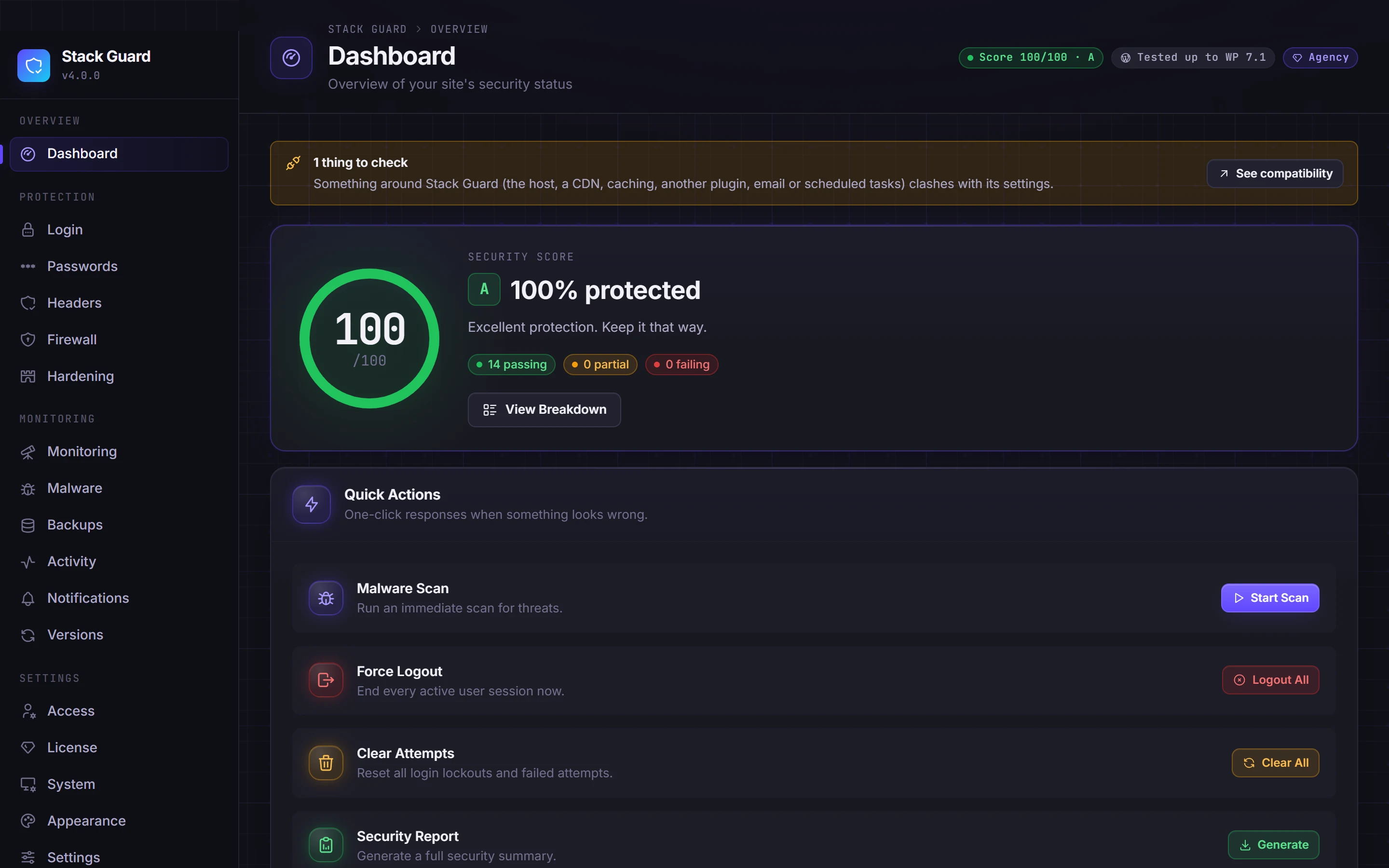
Open Stack Guard from the admin menu. The dashboard scores your site and points to the best first step.
In the free version
What the free WordPress security plugin includes
Free is not a demo. It is the protection most WordPress sites need, with nothing switched off to make you upgrade.
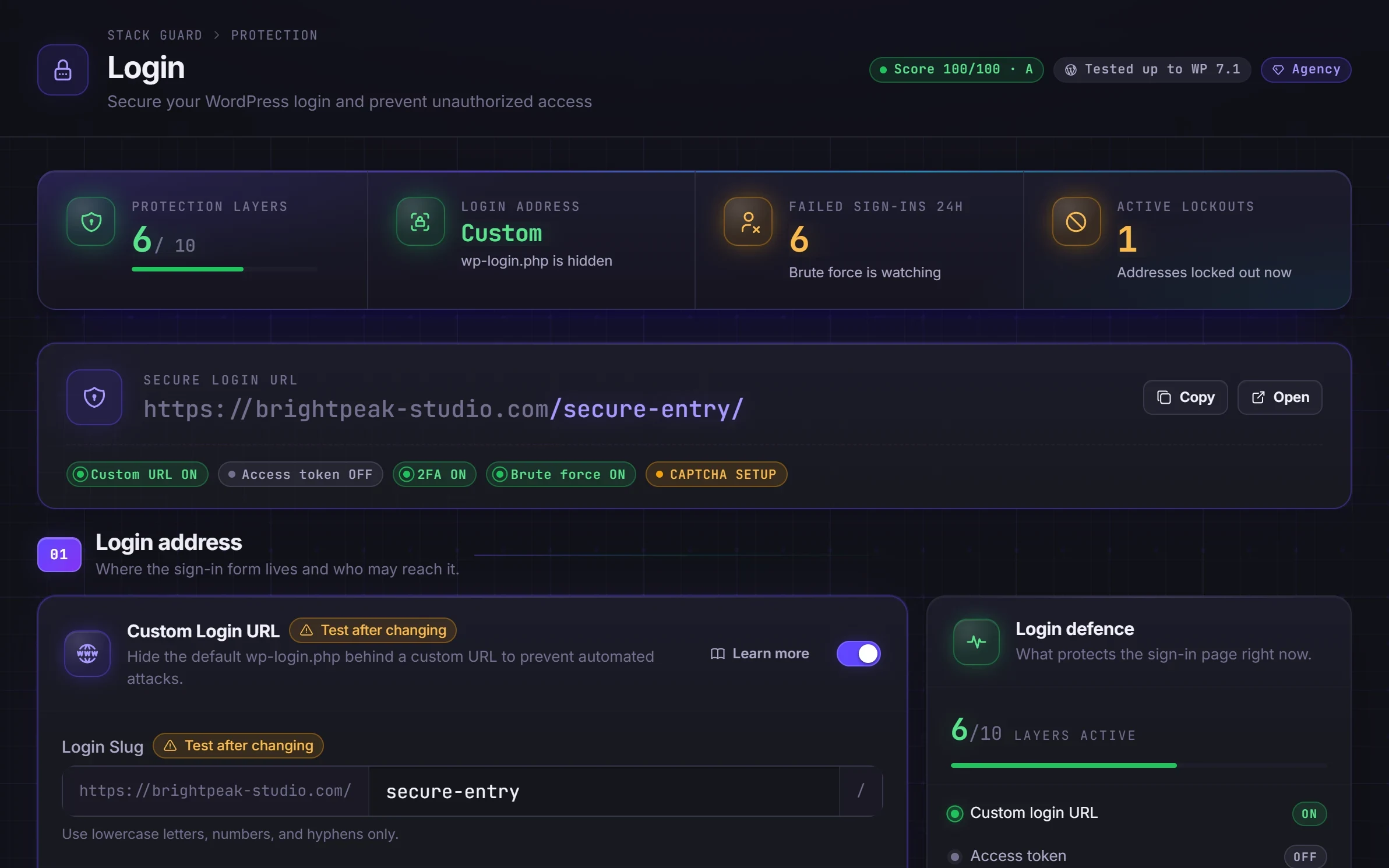
- Custom login address that hides wp-login.php, plus a honeypot that trips bots
- Two-factor authentication with authenticator apps, email codes and backup codes
- Brute force lockouts with an alert email
- Firewall bans, an allow list and real visitor IPs behind Cloudflare
- Hardening: XML-RPC, pingbacks, file editor, user enumeration and version leaks
- Malware scans and a check of every core file against WordPress.org
- Verified backups with one-click restore and 7-day roll back
- Security score, activity log and plain-language docs for every feature
Want scheduled scans, firewall rules, country blocking, CSP and the full set of alerts? See what Pro adds.
Questions
Download and install questions
Is this free WordPress security plugin really free forever?
Yes. Stack Guard Free has no time limit, no key and no sign-up, works on as many sites as you like, and receives updates. Core protection is never switched off to push an upgrade.
How do updates work?
Once installed, Stack Guard updates like any other plugin from your WordPress Dashboard, Updates screen. Free sites get updates without a licence key.
What are the requirements?
WordPress 6.4 or newer and PHP 8.0 or newer. Stack Guard works on any host and is built to sit behind Cloudflare.
Will installing it change my site?
No. Every feature starts switched off. Nothing about your login, headers or firewall changes until you switch it on, and the plugin explains each setting before you do.
I bought Pro. Where do I download it?
Sign in to your account with the email you used at checkout to get your licence key, download Pro and see the sites your licence covers. Then enter the key on the License tab inside Stack Guard.
What if I get locked out after changing the login address?
Stack Guard has three emergency switches for exactly that. Add one line to wp-config.php through your hosting account, such as SMG_DISABLE_LOGIN_GUARD for a forgotten login address or SMG_SAFE_MODE when you are not sure, sign in, fix the cause and remove the line. Your settings are never changed.