Features
All the WordPress security features you need, in one plugin.
Stack Guard covers the four jobs of WordPress security: protect the ways in, detect trouble early, recover from the worst day, and manage it all from one screen.
01 / Protect
Shut the doors attackers try first.
Hidden sign-in, two-factor, lockouts, a real firewall, hardening and browser security headers.
- Login Protection. Move the front door, then lock it.
- Two-Factor Authentication. A stolen password is no longer enough.
- Brute Force Protection. Guessing stops after a few tries.
- Firewall. Decide who gets in before WordPress does any work.
- Hardening. Close the doors WordPress leaves open.
- Passwords. Strong passwords without the nagging.
- Security Headers. Tell every browser how to protect your visitors.
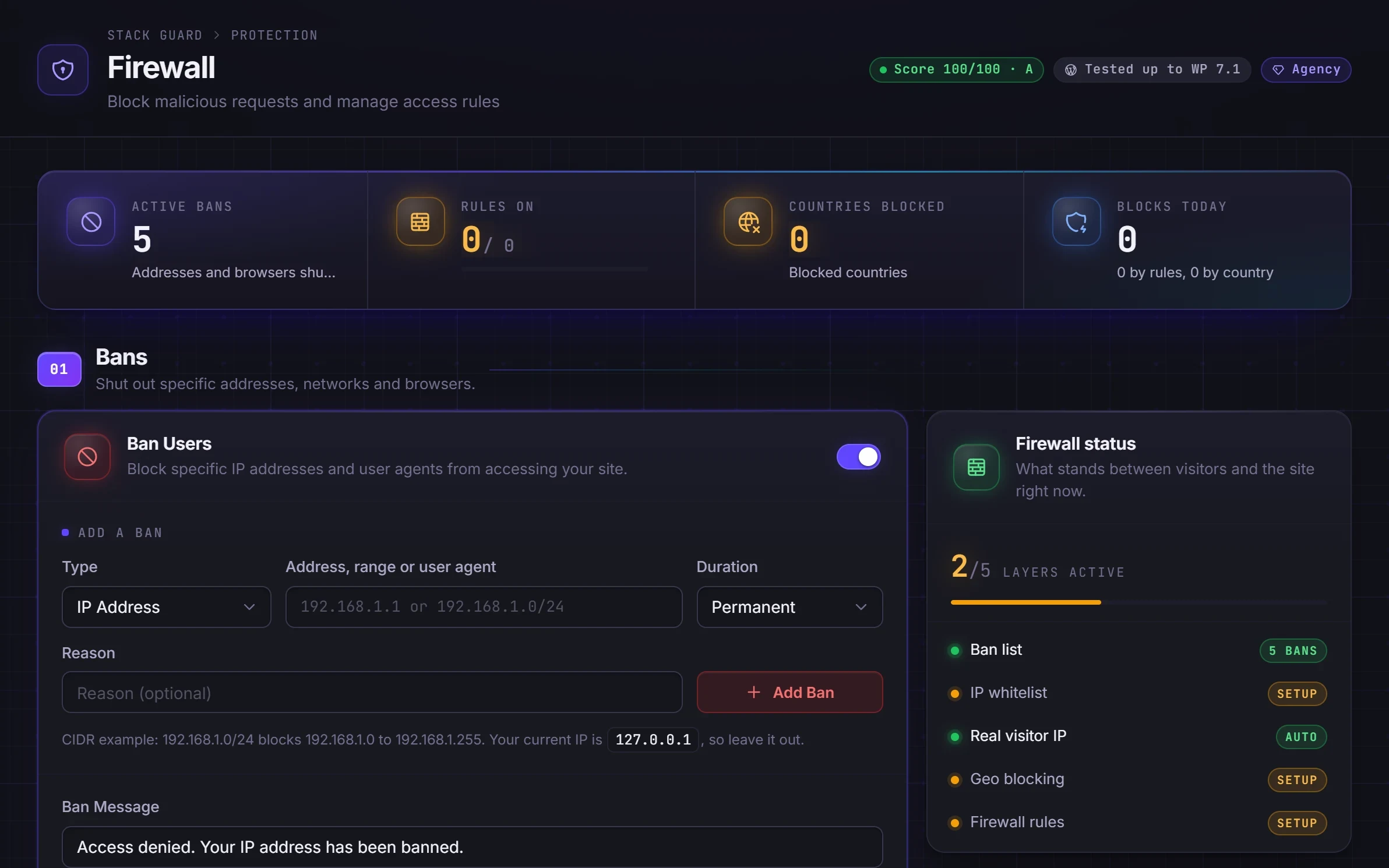
Protect features
02 / Detect
See trouble the moment it starts.
Malware scans, outdated plugin checks, file change monitoring, probe detection, an activity log and alerts that are worth reading.
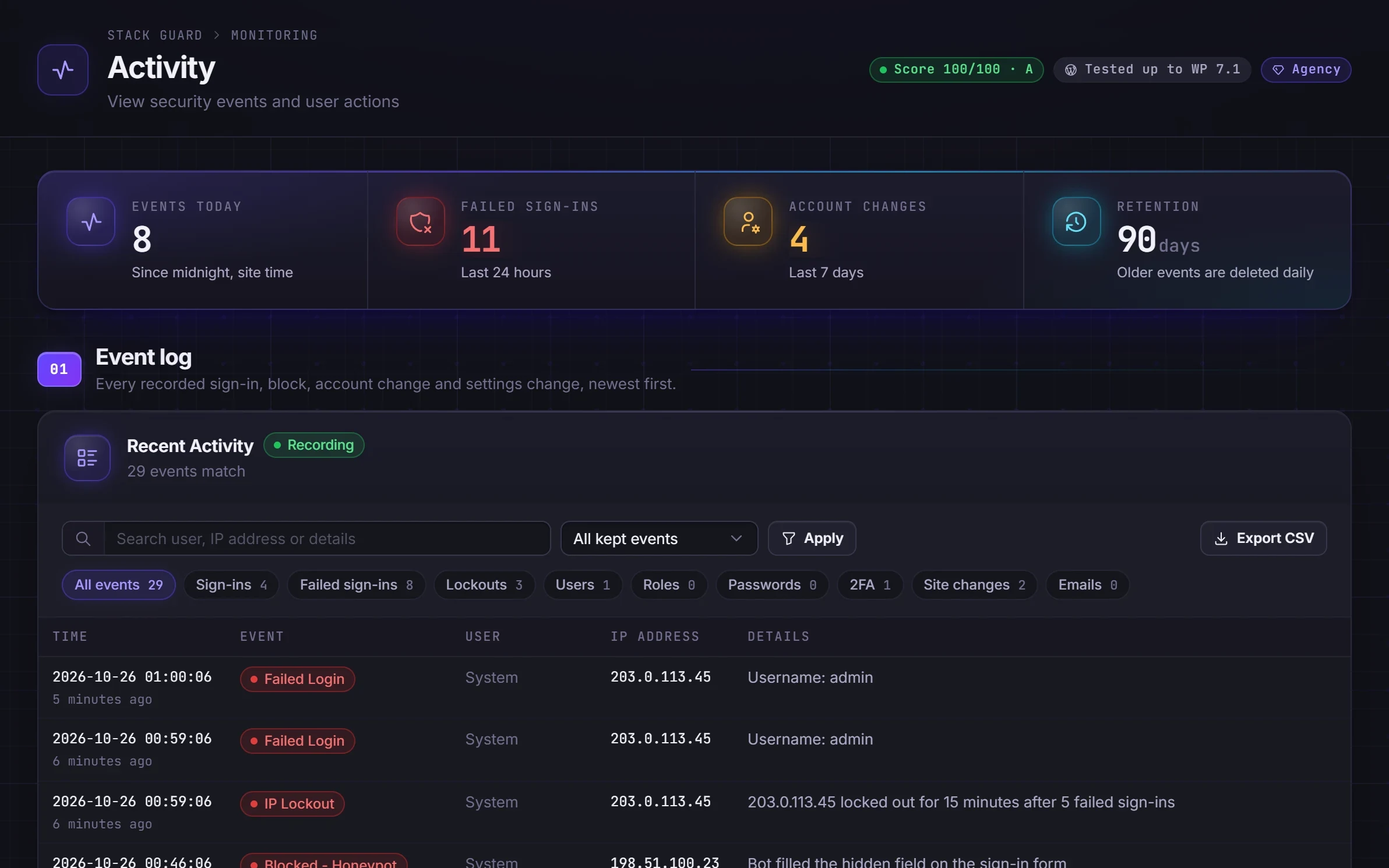
Detect features
03 / Recover
Undo the worst day in one click.
Backups that are verified before they count, and restores you can keep or roll back.
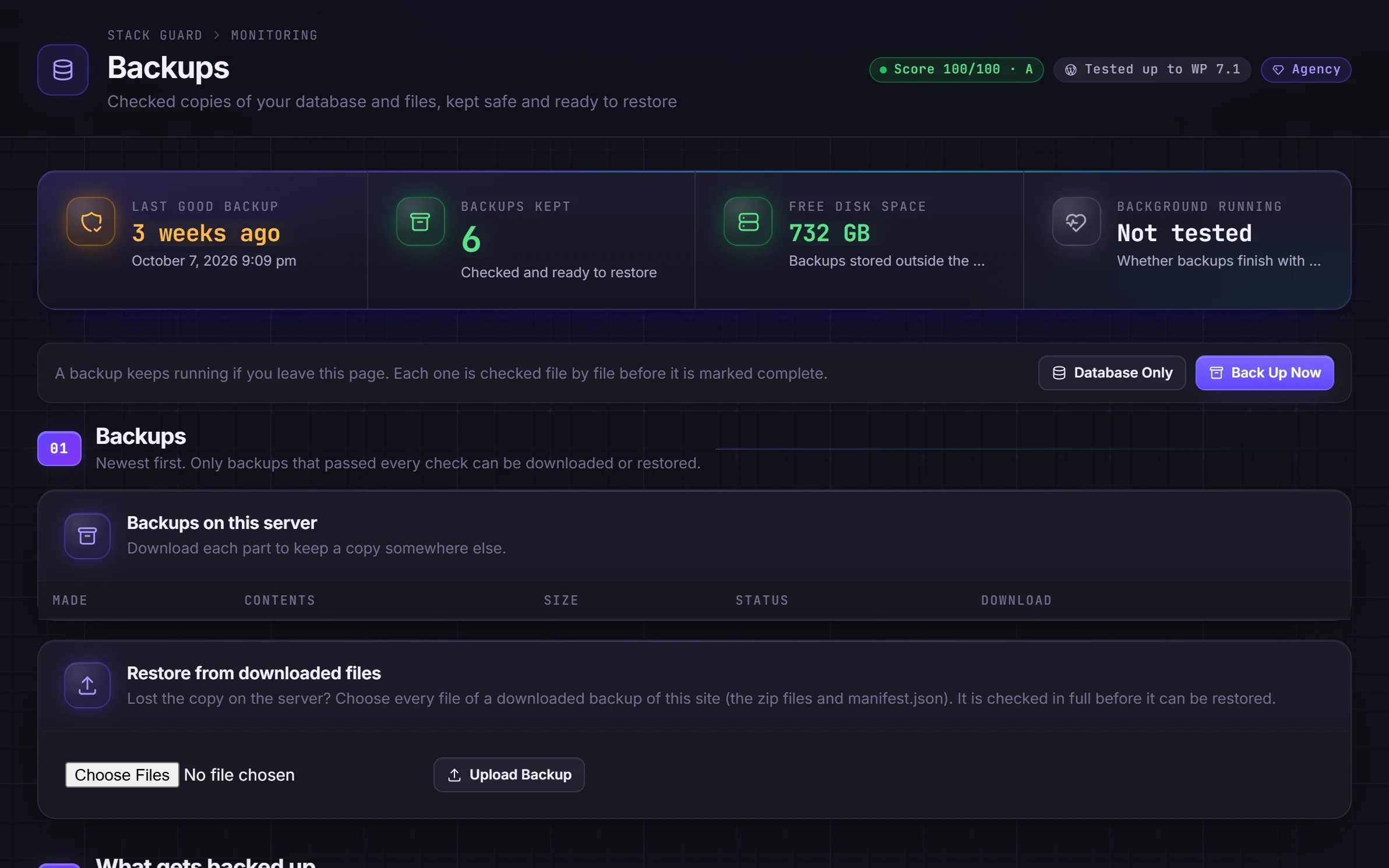
Recover features
04 / Manage
One clear screen for all of it.
A security score, plain-language docs in the plugin, user security at a glance, compatibility checks and white label for agencies.

Manage features
Questions
WordPress security features: questions
What WordPress security features does a site really need?
At minimum: a protected sign-in (a custom login URL, two-factor and brute force lockouts), hardening of features you do not use, malware scanning, and backups you have tested. Stack Guard Free covers all of them. Pro adds automation, deeper firewall controls, CSP and HSTS, and the full alert catalogue.
Are all features switched on when I install Stack Guard?
No. Every feature starts switched off, so installing Stack Guard never changes your site by surprise. The dashboard and security score show what to switch on first.
Does Stack Guard replace a web application firewall like Cloudflare?
No, it complements it. Cloudflare filters traffic before it reaches your server; Stack Guard protects WordPress itself: sign-in, users, files, settings and backups. Stack Guard is built to run behind Cloudflare.
Which features are coming next?
Google Drive backups with schedules, retention and monthly test restores, a branded sign-in page and client-ready security reports for agencies. See the roadmap for everything planned.
See it on your own site.
Free has no time limit. Switch features on one at a time and watch your score climb.